Connect Teams to Content Groups#
Setup#
Turn on the Teams feature for your course and configure your Teams. See the Teams documentation for more information.
Connecting Teams to Content Groups#
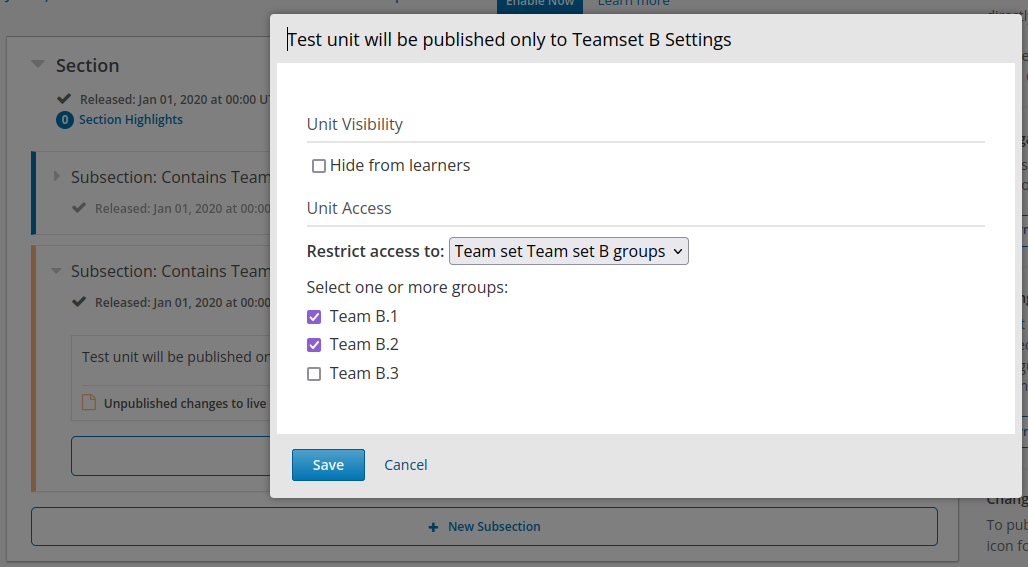
In Studio, open the modal to select the access restriction in a unit:
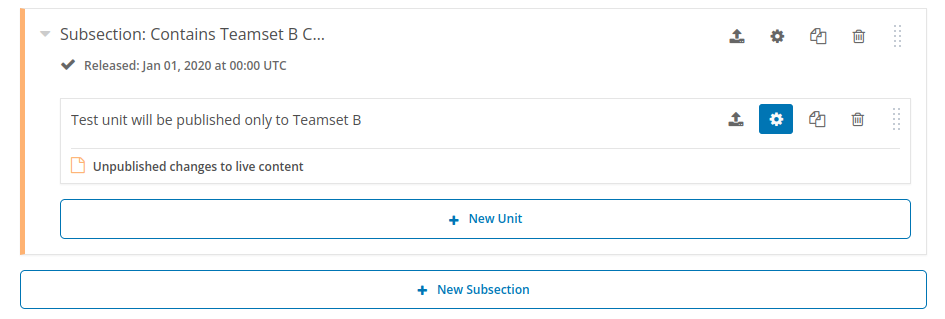
A drop-down that lists the available Groups will be visible. When a given team is selected (“Team set Team set B groups”, in the following screenshot), the list of Teams from the selected group will be shown. Authors may then select one or multiple Teams.