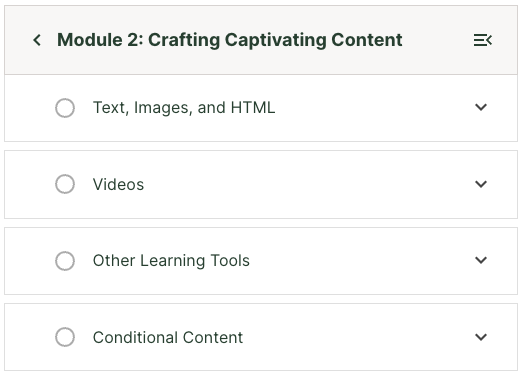
View course sections from the navigation sidebar#
Clicking the back button in the upper corner of the sidebar:
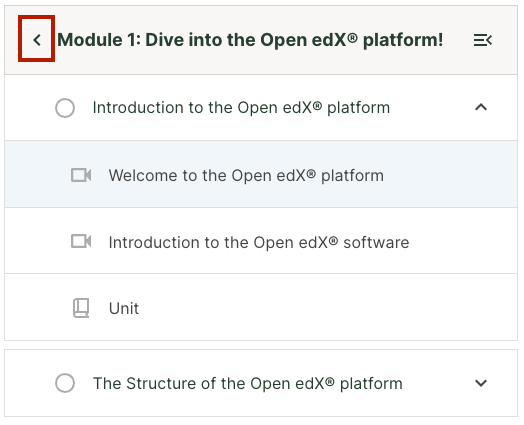
brings you to the list of sections in the course:
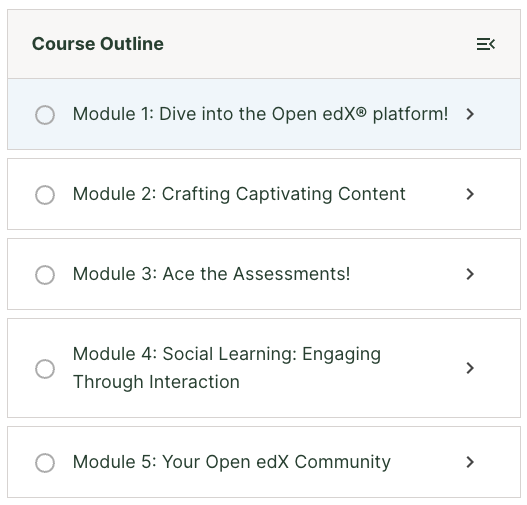
Clicking on any section:
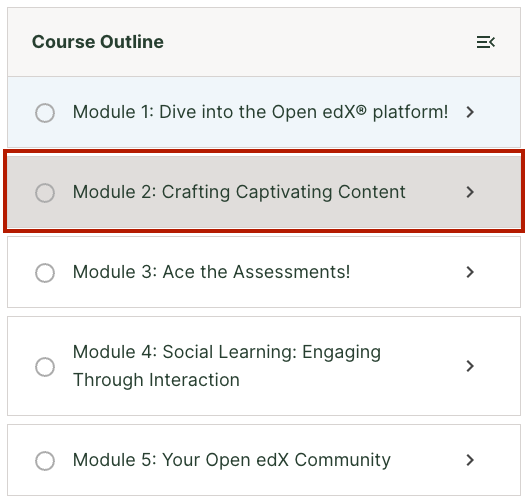
brings you to a view of the contents of that section, regardless of where you are in the course at the moment: