AI Extensions Framework Core Concepts#
The framework relies on some core concepts when configuring and using the plugin.
Core Concepts#
The plugin uses three main configuration concepts:
- Provider
Handles authentication and model routing. Defines which AI service to use and how to connect to it. Set in Using Tutor Configuration (Recommended).
An example in Tutor’s
config.yamlfile:AI_EXTENSIONS: provider: API_KEY: "sk-proj-your-api-key" MODEL: "provider/your-model"
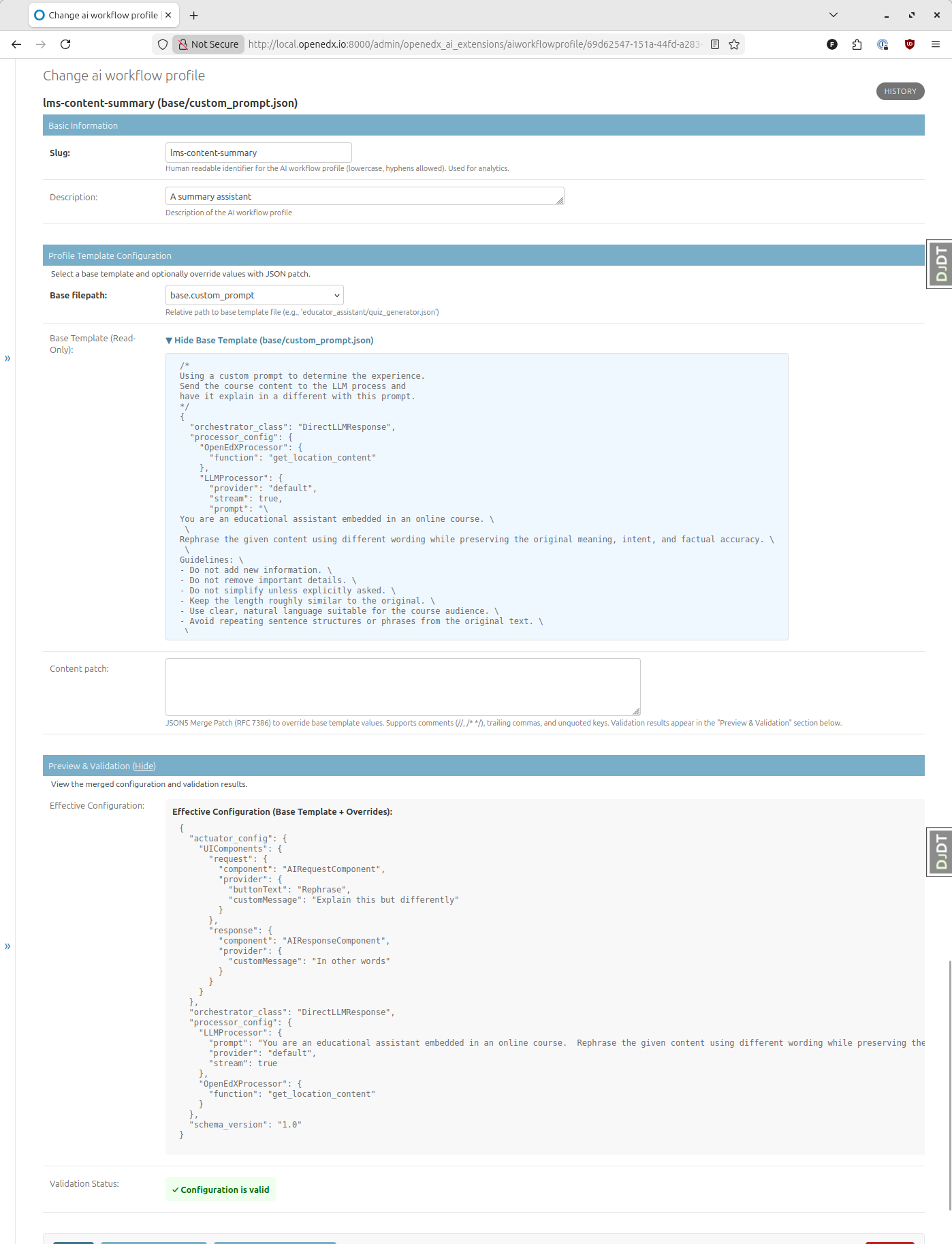
- Profile
Defines the what - what the AI will be instructed to do and which information it will have access to.
Example usage in Django Admin, where a profile is defined with a descriptive identifier (Slug) and an AI template to read from (Base filepath):
- Scope
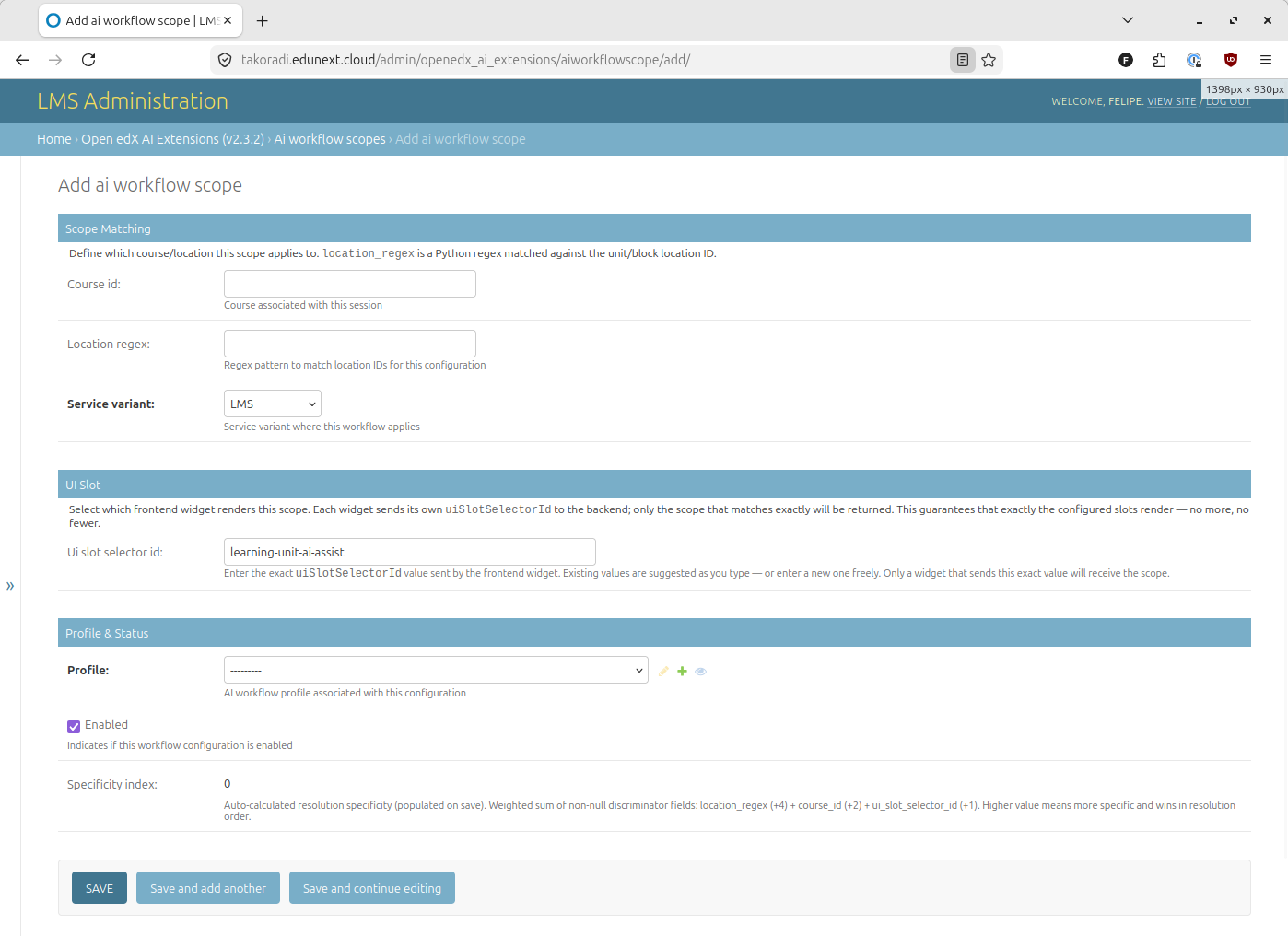
Defines the where - the context in which an AI workflow will be visible and usable (LMS/CMS, specific course, location, and frontend widget).
A scope has three matching dimensions:
UI Slot Selector ID: The
idof the frontend widget that should render the workflow (see Using the UI Slot Selector ID).Course ID: Optionally limits the scope to a specific course.
Location regex: Optionally limits the scope to specific units within a course.
Example usage in Django Admin, where a scope is defined with a widget ID, and optionally for a specific course or specific unit.